Category: Gadgets

Nerds Only

  • The Useful Life of an Old iPad

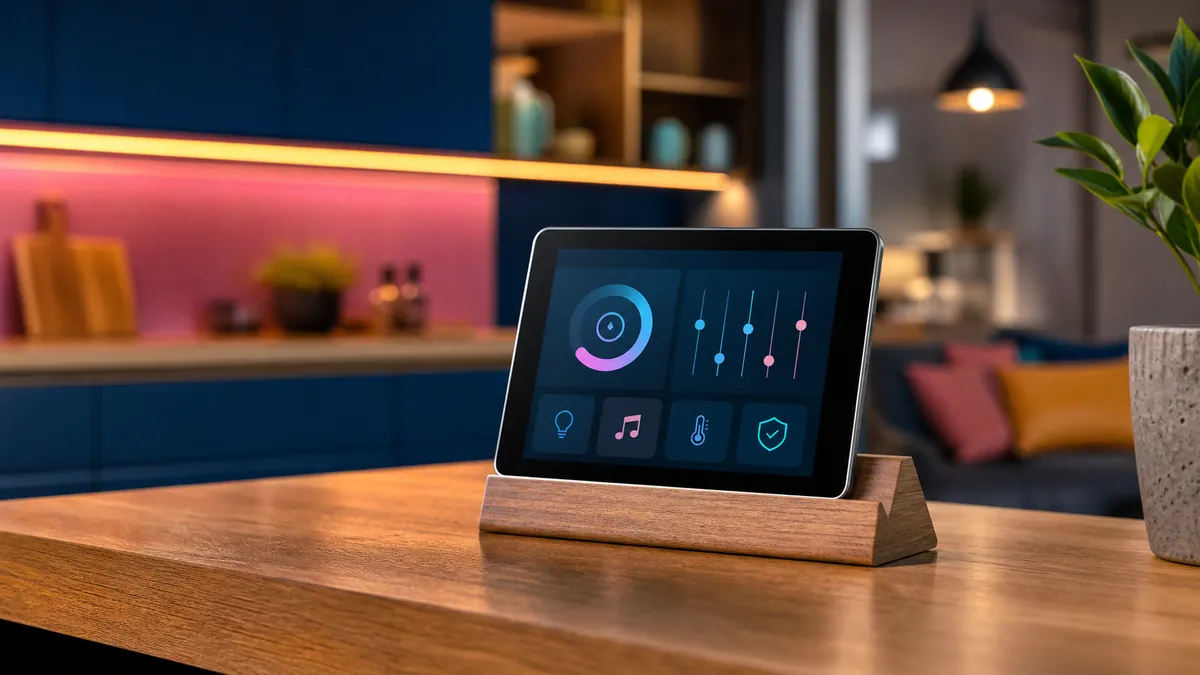
    An older tablet reused as a smart-home controller on a wooden stand

    An older iPad often reaches an awkward stage: too slow or unsupported for everyday use, yet far too capable for a drawer. Its value returns when it stops pretending to be a general-purpose computer and receives one clear job.

    A calm home controller

    Mounted near an entrance or placed on a stand, a tablet can provide simple access to lights, heating, door status and scenes. Keep the interface focused and hide administrative controls. Use guided access or a kiosk-style mode where appropriate so the screen reliably returns to its purpose.

    A dedicated music companion

    A tablet makes an excellent controller for a network player, receiver or local music library. Album artwork gets room to breathe, browsing remains separate from the phone, and guests can choose music without receiving access to personal messages and accounts.

    A kitchen reference

    Recipes, timers and a shared shopping list are a natural fit. Use a washable stand positioned away from steam and direct heat. Increase text size and keep the display awake only while needed; permanent full brightness will shorten the remaining battery life.

    A distraction-light reading screen

    Remove social apps, disable unnecessary notifications and keep only books, magazines or saved articles. A device can feel surprisingly new when it is no longer responsible for every digital habit at once.

    Respect the battery

    An aging lithium battery deserves attention. Check for swelling, unusual heat and rapid voltage loss. Avoid trapping the tablet in a sealed mount, and do not leave questionable hardware charging unattended. If the battery is unsafe, recycling is the correct upgrade.

    The point is not to force obsolete technology to live forever. It is to give capable hardware a smaller, clearer role before asking the recycling stream to deal with it.

  • Buttons Are Back: Why Physical Controls Still Win

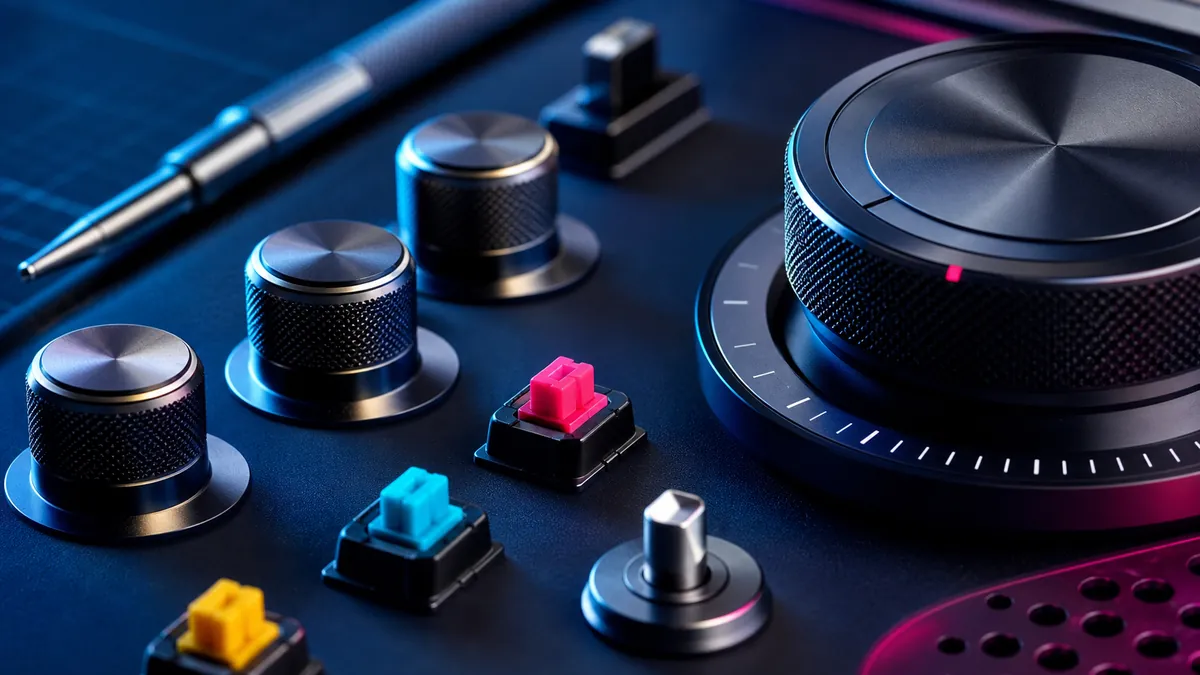
    Close-up arrangement of tactile knobs, switches and dials

    A touchscreen can become anything, which is precisely its problem. The same glass rectangle controls volume, temperature, navigation and settings, but it never tells your hand what it is before it lights up. Physical controls do. Shape, resistance and position turn interaction into memory.

    Eyes belong elsewhere

    A volume knob can be found and adjusted without interrupting a conversation. A tactile camera dial communicates its position before the shutter is pressed. Controls used while driving, cooking or listening should not demand visual confirmation for every small change.

    Resistance communicates

    The weight of a switch, the detents of a dial and the travel of a key all provide information. Good resistance prevents accidental input and makes an action feel deliberate. This is not nostalgia; it is a compact feedback system that requires no animation or notification sound.

    Dedicated means dependable

    A physical control usually does one thing, immediately. Software controls can move after an update, disappear behind a modal or become unavailable when the interface freezes. Dedicated controls are valuable for frequent actions because their location and purpose remain stable.

    Hybrid is the answer

    Not every function deserves its own button. Deep settings and infrequent options fit naturally on screens. The strongest products combine adaptable software with tactile controls for the actions people perform constantly: power, volume, playback, temperature and capture.

    Design for the hand

    Controls should be distinguishable by shape and spacing, not merely labels. Important actions need room around them. Similar buttons performing opposite functions should not be identical when they can be used without looking.

    The future does not need to abandon screens. It needs to remember that people have hands—and that a satisfying click can be more informative than an entire interface.

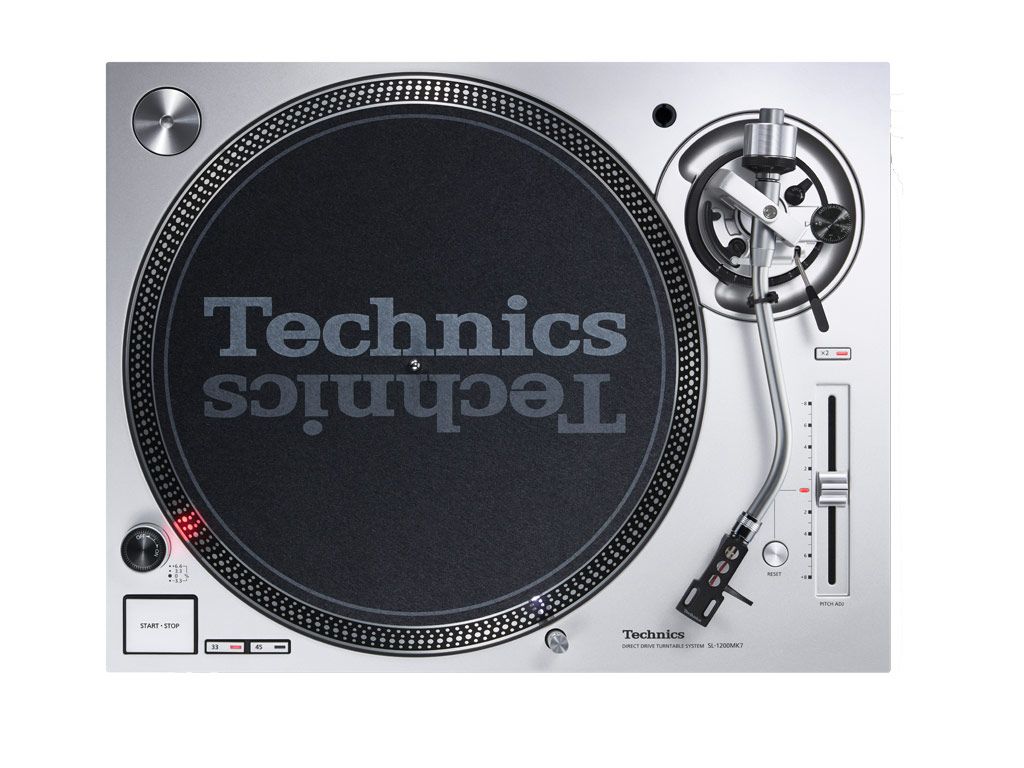
  • Technics SL-1210MK7: The Swiss Army Knife of Turntables

    Technics SL-1210MK7: The Swiss Army Knife of Turntables

    Some gear is just built to last, and the Technics SL-1210MK7 proves it. A legendary name in the vinyl world, this deck is as tough as they come, with a bulletproof build, silky-smooth operation, and killer sound. Whether you’re an audiophile or a DJ, this turntable brings pure, unfiltered joy to your music setup.

    🔥 What’s Hot:

    Rock-solid build – Feels like it could survive a nuclear blast.

    Insane value – A pro-level deck that won’t drain your wallet.

    User-friendly – Precise tonearm adjustments, pitch control, and even a pop-up stylus light.

    ⚡ What’s Not:

    No cartridge included – You’ll need to bring your own.

    Not the most ‘audiophile’ look – But let’s be real, this thing is a beast.


    What’s the Deal?

    First released in 1972, the Technics SL-1200 was originally designed as a hi-fi turntable before becoming the go-to deck for DJs worldwide. The SL-1210MK7 keeps that legacy alive with a coreless direct drive motor (goodbye, cogging issues), adjustable start/stop speeds, and even reverse play for the scratch artists out there.

    The classic pitch control and strobe light are still here, with the option to switch between red and blue. Around the back, you’ve got RCA connections, a separate ground wire, and a detachable power cable—all upgrade-friendly for tweak lovers.


    Setup & First Spin 🎶

    Setting up the SL-1210MK7 is stupidly simple. Mount the platter, pop in a cartridge (we tested Audio Technica VM530EN & VM540ML), tweak tracking force and anti-skating, and you’re ready to roll.

    From the moment the stylus drops, this deck means business. It’s got punchy, full-bodied bass, super-stable timing, and a smooth, natural flow. Tracks like Into The Labyrinth by Dead Can Dance felt powerful and immersive, while Me & Mr. Jones by Amy Winehouse had lush vocals and crisp drums. It’s solid, engaging, and just plain fun.

    Want a more refined sound? Swap out the cartridge. The VM530EN brings airiness and detail, while the VM540MLadds depth and smooth controlboth sound fantastic.


    Final Verdict 🏆

    The SL-1210MK7 isn’t just another turntable—it’s a no-nonsense, built-to-last machine that makes spinning records effortless and fun. It delivers big sound, rock-solid performance, and endless tweakability. At €950, it’s a steal for anyone who loves serious vinyl playback—whether you’re mixing beats or just kicking back with your favorite LPs.

    🎵 Technics SL-1210MK7 – The legend lives on. And yeah, I’m gonna miss this one.

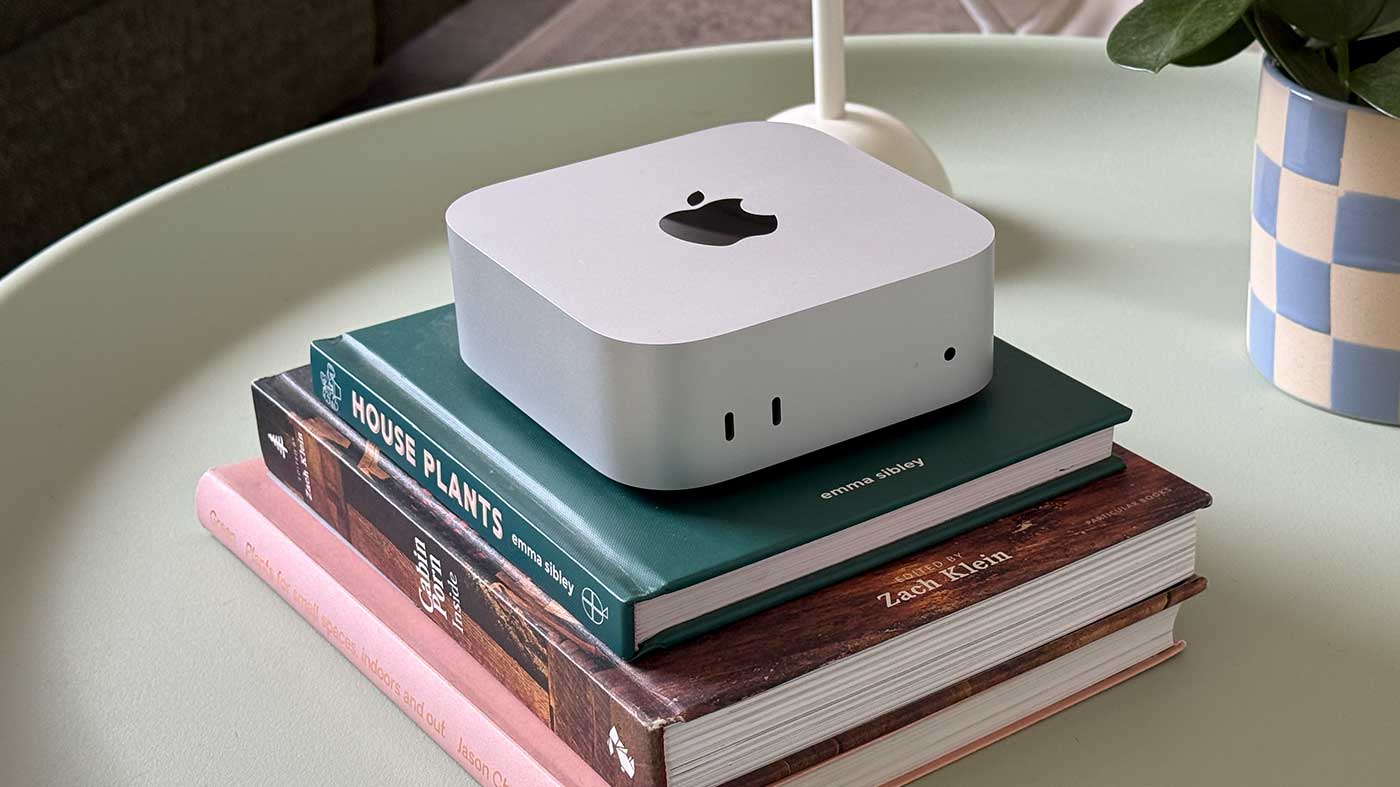
  • Hands-On with the new Mac mini M4 Pro

    Hands-On with the new Mac mini M4 Pro

    [vc_column_text]

    M4 Pro Overview

    The Mac mini, turning 20 this January, has reached new heights with the M4 and M4 Pro versions, surpassing all previous models in value and performance. The original M1 model offered entry to the Mac ecosystem but often lacked power. The new M4 Mac mini, priced at €599, changes this narrative, offering unparalleled speed and capability for its price. The M4 Pro version is a compact workstation without compromises.

    Design & Ports

    The Mac mini’s footprint has shrunk to approximately 12.7 × 12.7 cm, with its height increased to about 5.08 cm.

    Its all-aluminum design now features ports integrated directly into the metal. Front USB-C ports replace USB-A, offset by an additional Thunderbolt port, boosting connectivity.

    Performance

    The M4 chip shows up to 60% better single-core performance and up to 70% better multi-core performance than the M1, with improved power efficiency. The M4 Pro’s 10 P-cores and 4 E-cores deliver a 50-60% increase over its predecessor and approach the M1 Ultra’s performance. High Power mode provides minor benefits but increases noise.


    Display Support

    The M4 mini supports three monitors, outperforming its predecessors. The M4 Pro drives three 6K displays or one 8K display with another 6K.

    Pros & Cons

    Pros:

    •Compact, powerful design

    •Excellent entry-level and pro-level options

    •Front-mounted ports improve accessibility

    •Supports multiple displays

    Cons:

    •Loss of USB-A ports

    •Fewer Thunderbolt ports on M4 Pro

    •Expensive storage and RAM upgrades

    •High Power mode adds noise without significant performance gain

    Drawback: The bottom-mounted power button may inconvenience some users.

    [/vc_column_text]

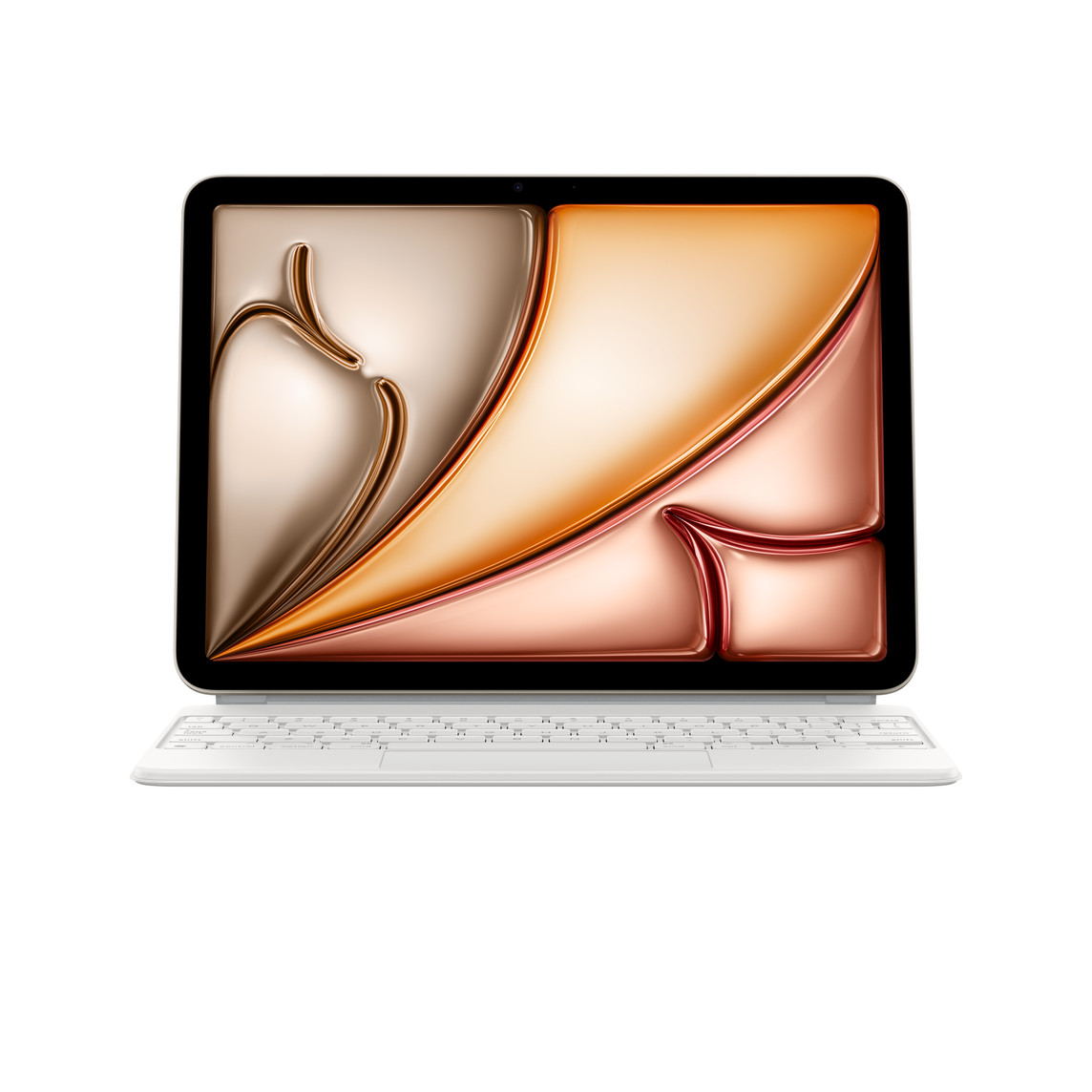
  • Hands-On With the New M2 iPad Air

    Hands-On With the New M2 iPad Air

    Apple this week came out with new iPad Pro and iPad Air models. The ‌iPad Pro‌ has a next-generation M4 chip and an OLED display so it got much of the attention, but Apple added a whole new size to the Air lineup to offer a more affordable way to get a bigger screen. We spent some time with the new ‌iPad Air‌ to see what’s new and whether it’s worth buying.