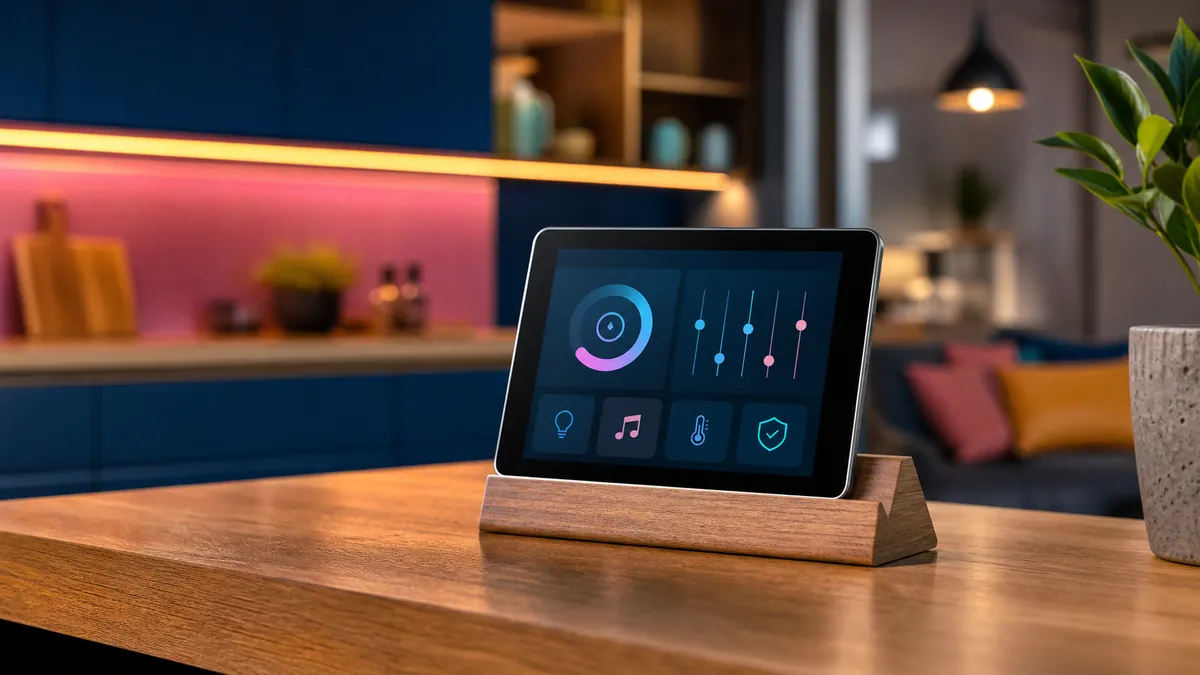
An older iPad often reaches an awkward stage: too slow or unsupported for everyday use, yet far too capable for a drawer. Its value returns when it stops pretending to be a general-purpose computer and receives one clear job.
A calm home controller
Mounted near an entrance or placed on a stand, a tablet can provide simple access to lights, heating, door status and scenes. Keep the interface focused and hide administrative controls. Use guided access or a kiosk-style mode where appropriate so the screen reliably returns to its purpose.
A dedicated music companion
A tablet makes an excellent controller for a network player, receiver or local music library. Album artwork gets room to breathe, browsing remains separate from the phone, and guests can choose music without receiving access to personal messages and accounts.
A kitchen reference
Recipes, timers and a shared shopping list are a natural fit. Use a washable stand positioned away from steam and direct heat. Increase text size and keep the display awake only while needed; permanent full brightness will shorten the remaining battery life.
A distraction-light reading screen
Remove social apps, disable unnecessary notifications and keep only books, magazines or saved articles. A device can feel surprisingly new when it is no longer responsible for every digital habit at once.
Respect the battery
An aging lithium battery deserves attention. Check for swelling, unusual heat and rapid voltage loss. Avoid trapping the tablet in a sealed mount, and do not leave questionable hardware charging unattended. If the battery is unsafe, recycling is the correct upgrade.
The point is not to force obsolete technology to live forever. It is to give capable hardware a smaller, clearer role before asking the recycling stream to deal with it.