Category: Uncategorized

  • Self-Hosting After the Honeymoon: What Is Actually Worth Running

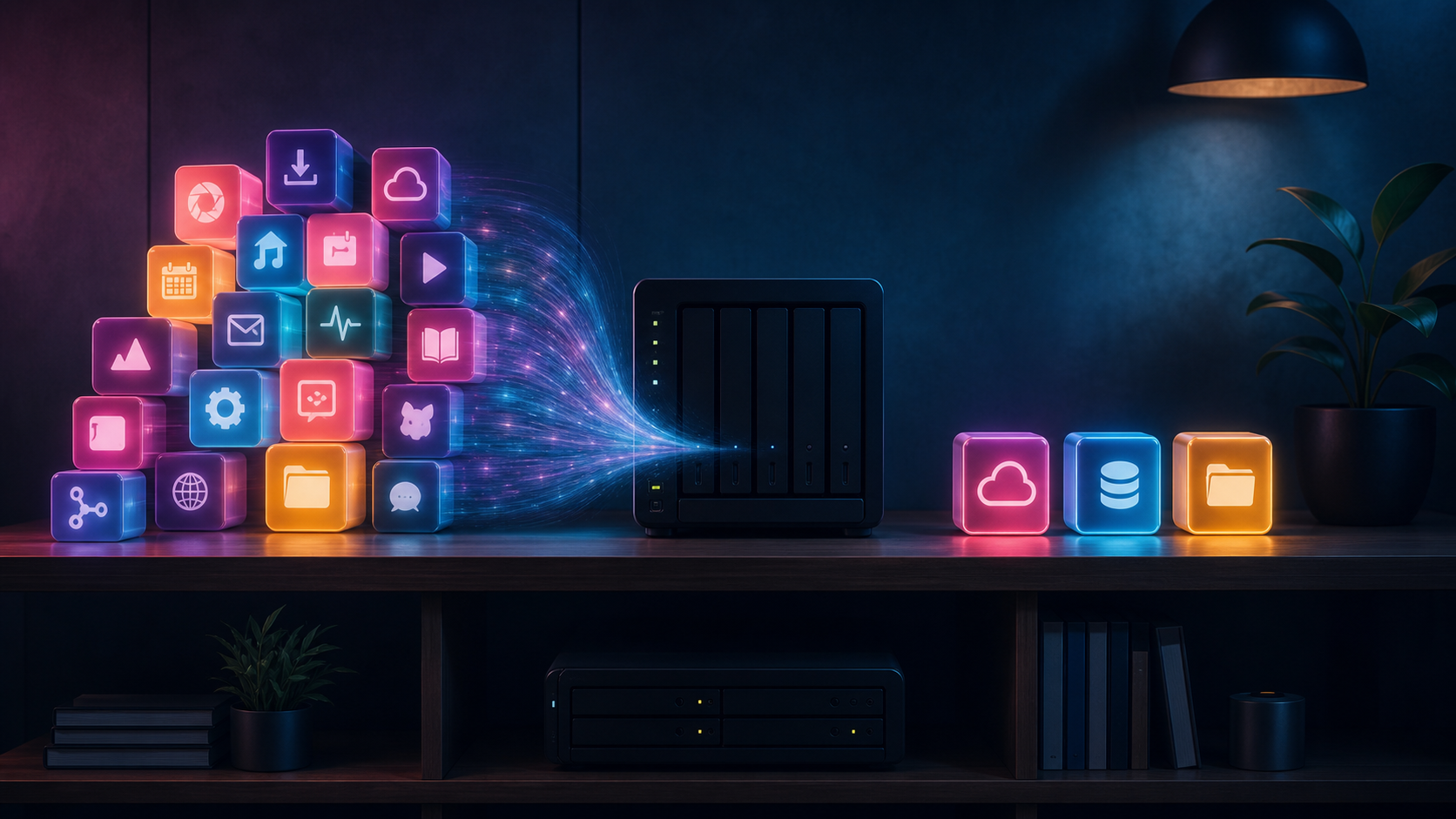
    A home server keeping a few essential self-hosted services

    Self-hosting begins with possibility. One service becomes five, a dashboard becomes a second dashboard, and suddenly a quiet Sunday involves reading release notes for software that was supposed to simplify life. The honeymoon phase is fun. The useful phase begins when each service has to justify its maintenance.

    The test: would you miss it?

    A service earns its place when its disappearance causes a real inconvenience. Local DNS, password management, document storage, backups and home automation usually pass this test. A novelty dashboard displaying information already available elsewhere often does not. Stop judging the lab by container count; judge it by problems removed.

    Keep identity boring

    Central authentication is valuable, but it also creates a critical dependency. Use a setup you understand, maintain recovery credentials and document how to regain access when the identity provider is unavailable. Clever login flows are less impressive at midnight when every service redirects to an error page.

    Own the data that matters

    Photos, documents, notes and configuration deserve local control and multiple backups. That does not mean the internet must be banished. Off-site encrypted storage can complement local copies. The point is to avoid having a single company, disk or password become the only route to irreplaceable data.

    Prefer boring software

    Mature projects with clear documentation, predictable upgrades and portable data tend to survive enthusiasm cycles. A beautiful interface is welcome, but an export button is more important. Choose tools that let you leave without reconstructing years of information by hand.

    Delete with confidence

    Retiring a service is not failure. Export its data, archive its configuration and remove it. Fewer moving pieces mean clearer alerts, faster upgrades and more time for the systems that genuinely help.

    A sustainable homelab is not the one with the most logos on its start page. It is the one that still feels worth maintaining after the novelty disappears.
  • The Quiet Homelab: Performance Without the Jet-Engine Soundtrack

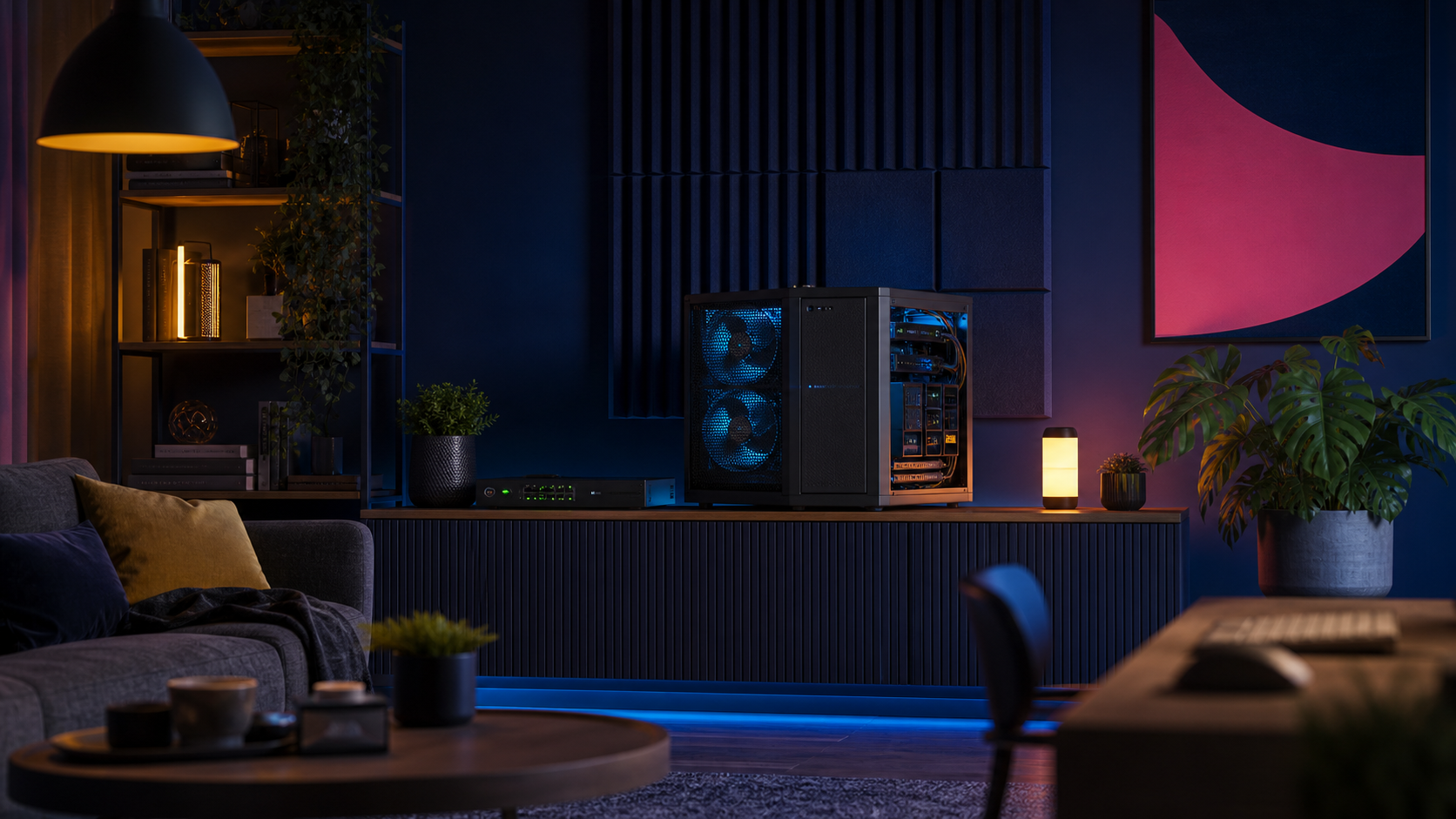
    A quiet home server with large cooling fans in a stylish living room

    A homelab can be technically brilliant and still be a terrible housemate. The familiar recipe—retired enterprise hardware, too many tiny fans and a rack placed wherever it fits—often creates a machine room in a place that was supposed to feel like home. The better goal is not silence at any cost. It is useful performance without a permanent jet-engine soundtrack.

    Begin with the work, not the rack

    Before buying quieter fans, list what the lab actually does. A few containers, Home Assistant, DNS, backups and a media server rarely need a dual-socket enterprise machine idling all day. Measure CPU use, memory pressure, storage activity and peak demand for a week. Downsizing an underused host can remove more heat and noise than any acoustic treatment.

    Large fans win

    Small fans have to spin quickly to move air. Larger fans can move the same volume more slowly and with a less irritating sound profile. Use unobstructed airflow, clean filters and sensible fan curves. Avoid forcing air through an unnecessary maze of drive cages and cables. A simple front-to-back path usually works better than a collection of heroic high-speed fans.

    Storage changes the character

    Hard drives produce more than airborne noise. Their vibration travels through shelves, floors and furniture. Rubber isolation helps, but placement matters more. Keep spinning disks away from hollow cabinets and shared walls. SSDs are ideal for active services; larger disks can remain for backups and bulk media where their activity is less constant.

    Temperature is a budget

    Chasing the lowest possible temperature creates noise without necessarily improving reliability. Modern hardware is designed to operate safely across a broad range. Set realistic temperature targets, monitor them and let fans respond gradually. Sudden fan ramps are often more distracting than a steady low hum.

    Design for maintenance

    A quiet system becomes loud again when filters clog or a fan starts failing. Leave enough space to clean it, label airflow direction and log temperatures. Keep one known-good replacement fan on hand. Quietness is not a one-time modification; it is part of operating the lab.

    The nicest homelab is the one you can forget is running. It should make the house smarter, safer and more useful—without constantly announcing its presence.